Try it on the newly redesigned DreaminaBlack Friday: Standard quarterly members get unlimited Seedance 2.5 and Seedance 2.0 for 30 days, plus unlimited GPT Image 2.5 for 60 days.
Open Dreamina →My Pets Did the GTA 6 Heist
Swap anyone in a video with your pets using Motion capture on the newly redesigned Dreamina
Made by @keitaro3660 on the newly redesigned Dreamina
What you need
Three things. That is the whole kit.
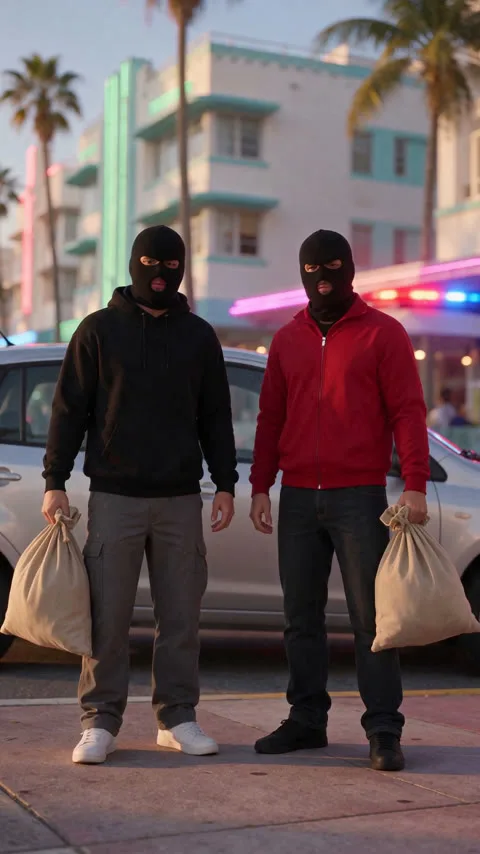
A source video
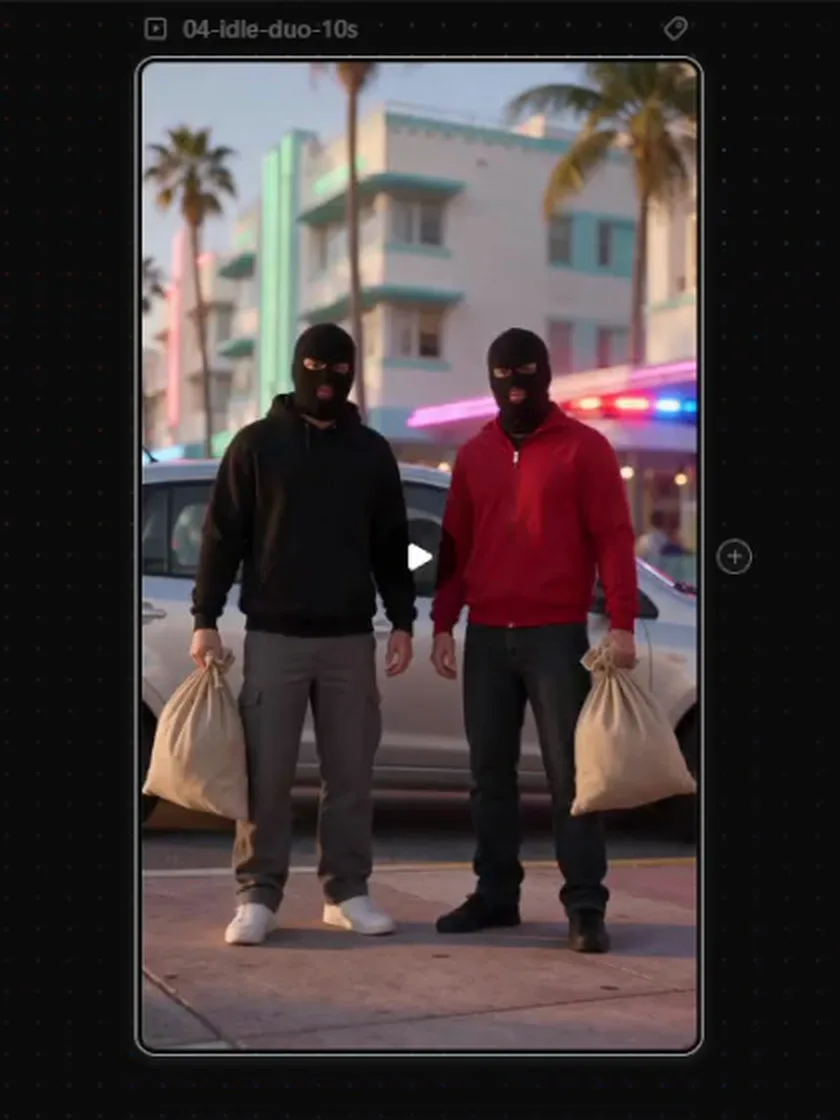
Any clip where people do the moves you want your pets to copy. Mine is a 10 s, 9:16 clip of two figures with loot sacks.
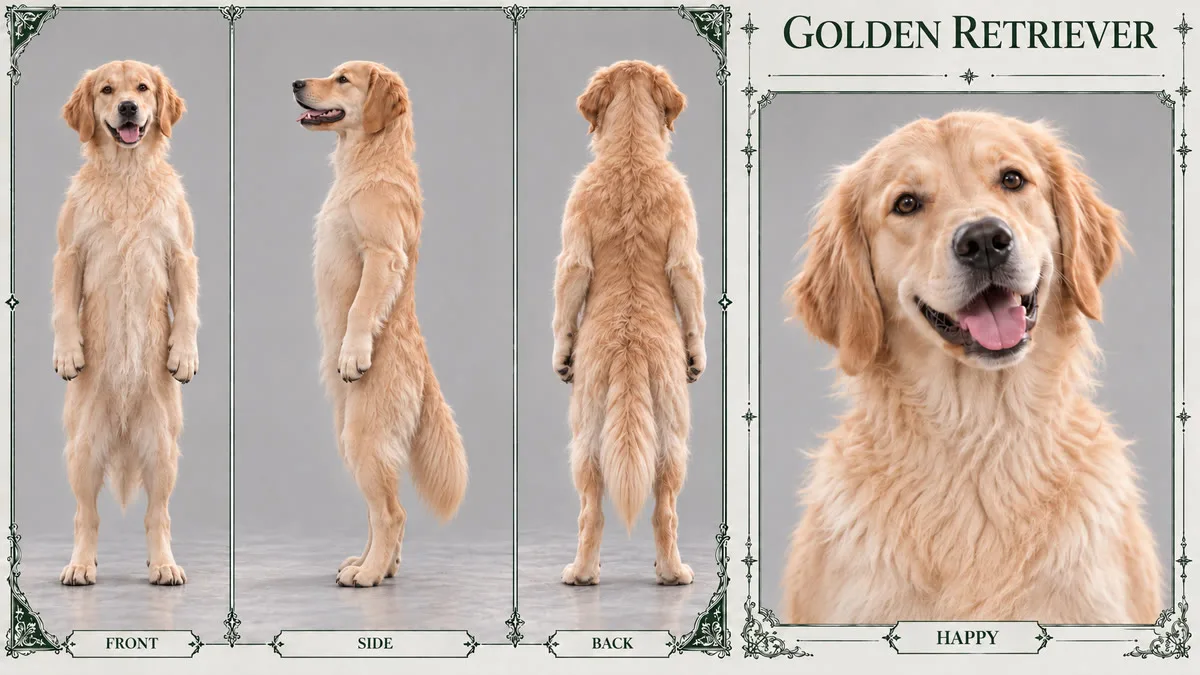
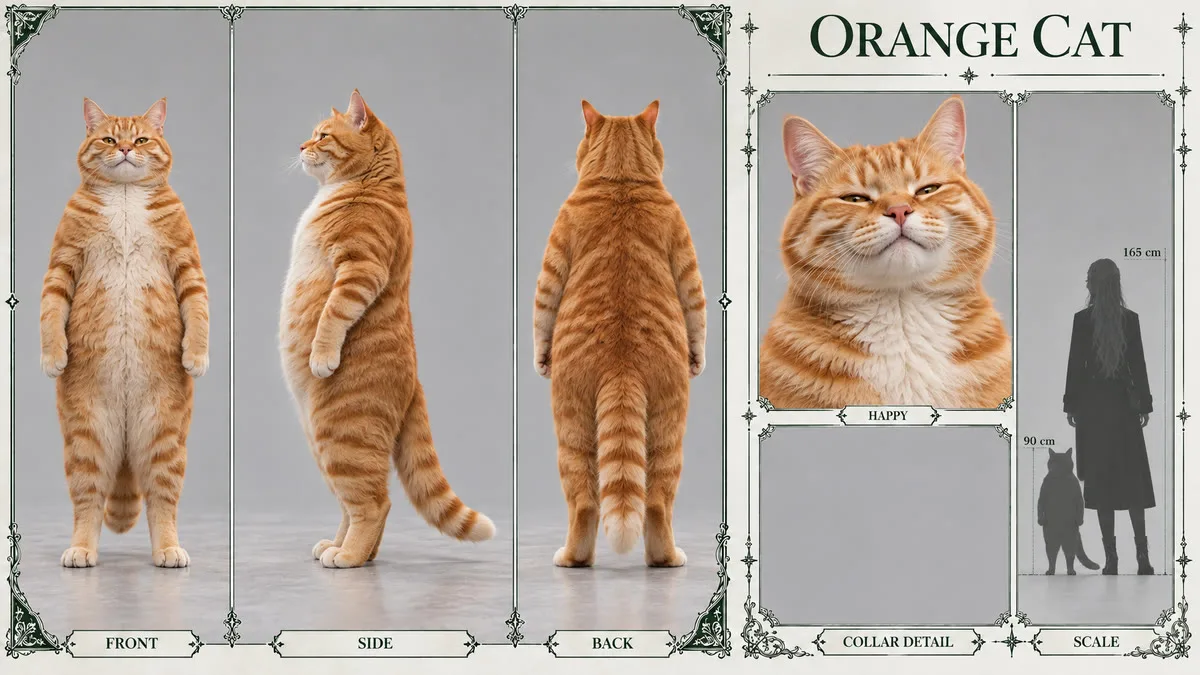
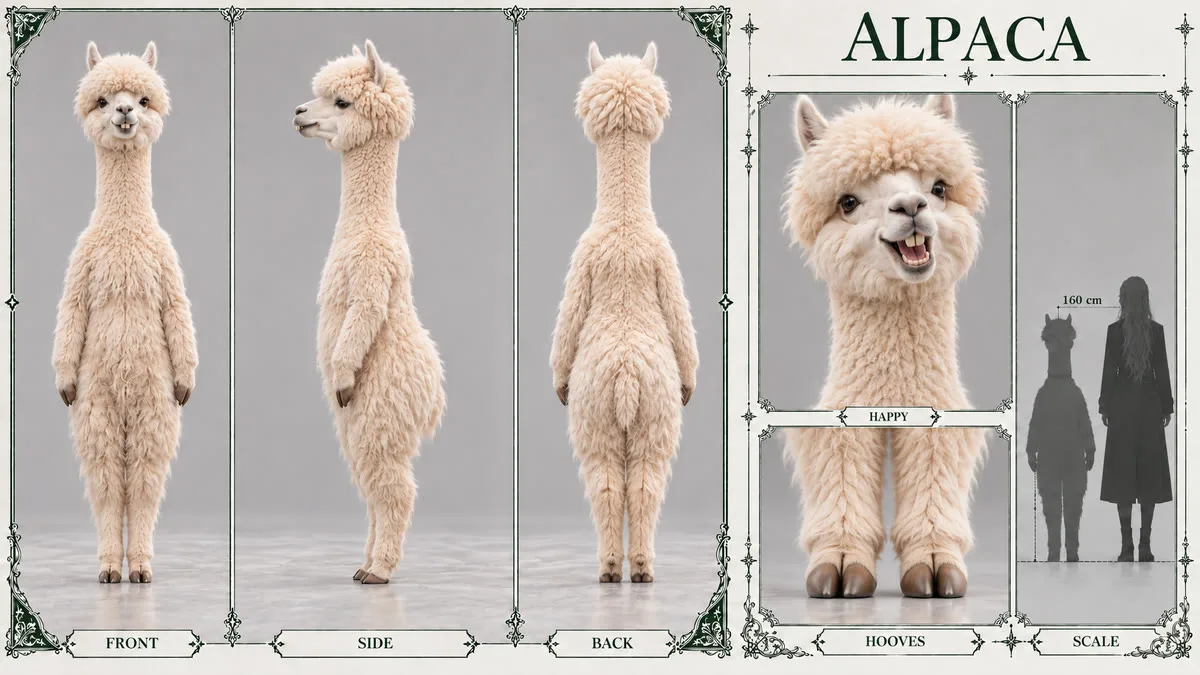
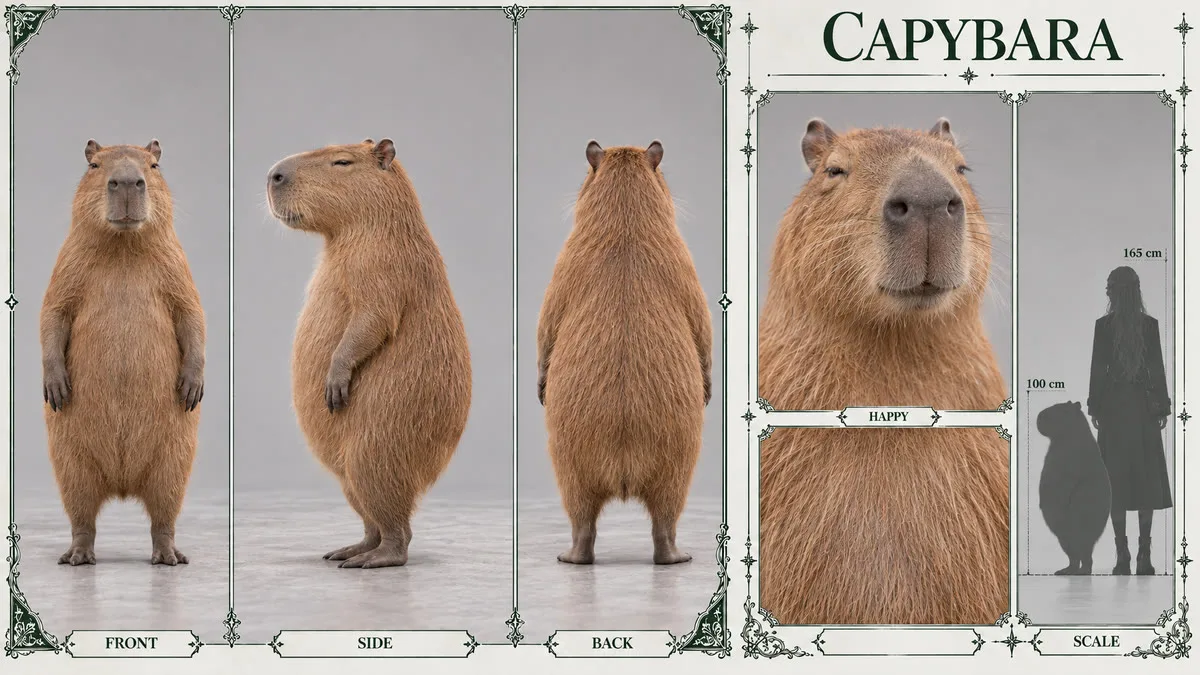
A character sheet per animal
Front, side and back view plus a face close-up, upright pose. One sheet for each pet you want in the video.
A Dreamina account with Canvas
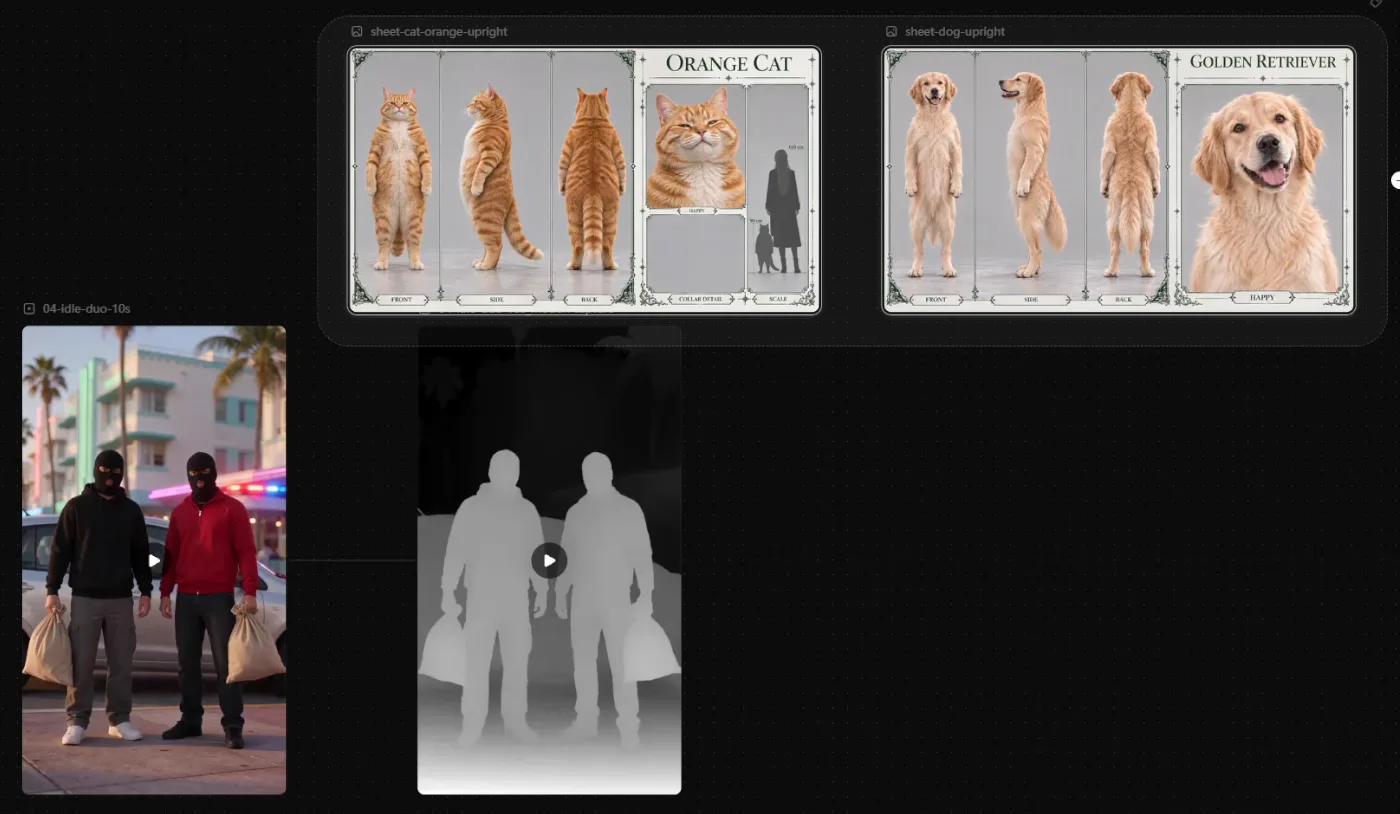
Everything happens on one Canvas: upload, Motion capture, image swap and the final video all live as connected nodes.
Upload the video to Canvas
Open a new Canvas and drop your source video onto it (or right-click and choose Upload from device). It lands as a video node.
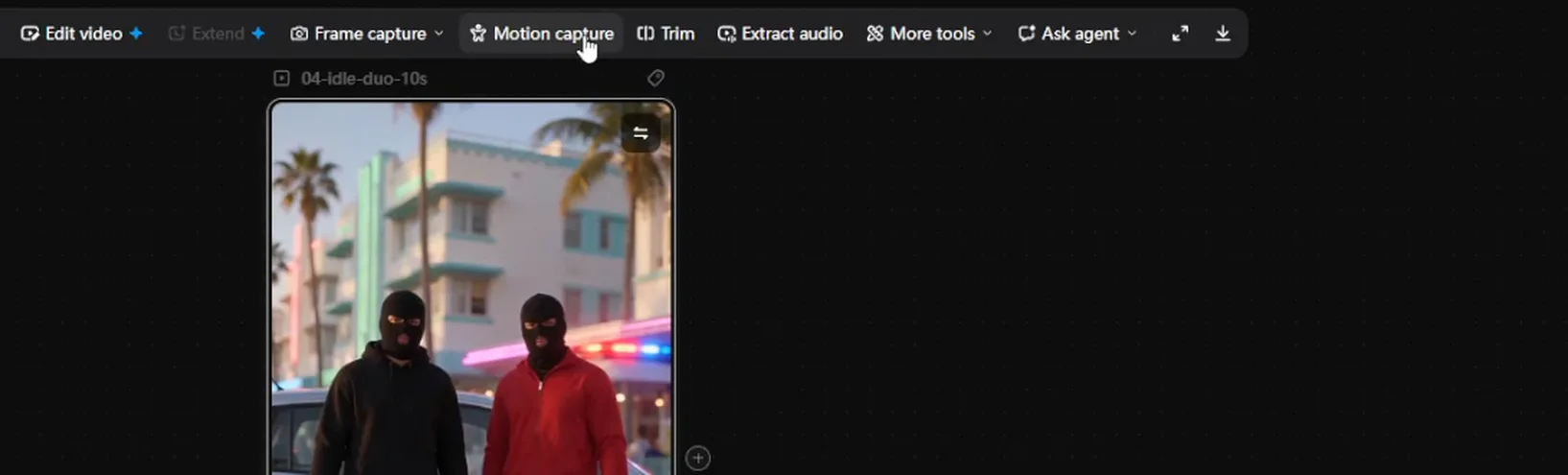
Click the node, then Motion capture
Select the video node. A toolbar appears above it. Hit Motion capture, then Generate in the small panel under the node.
A grey silhouette appears
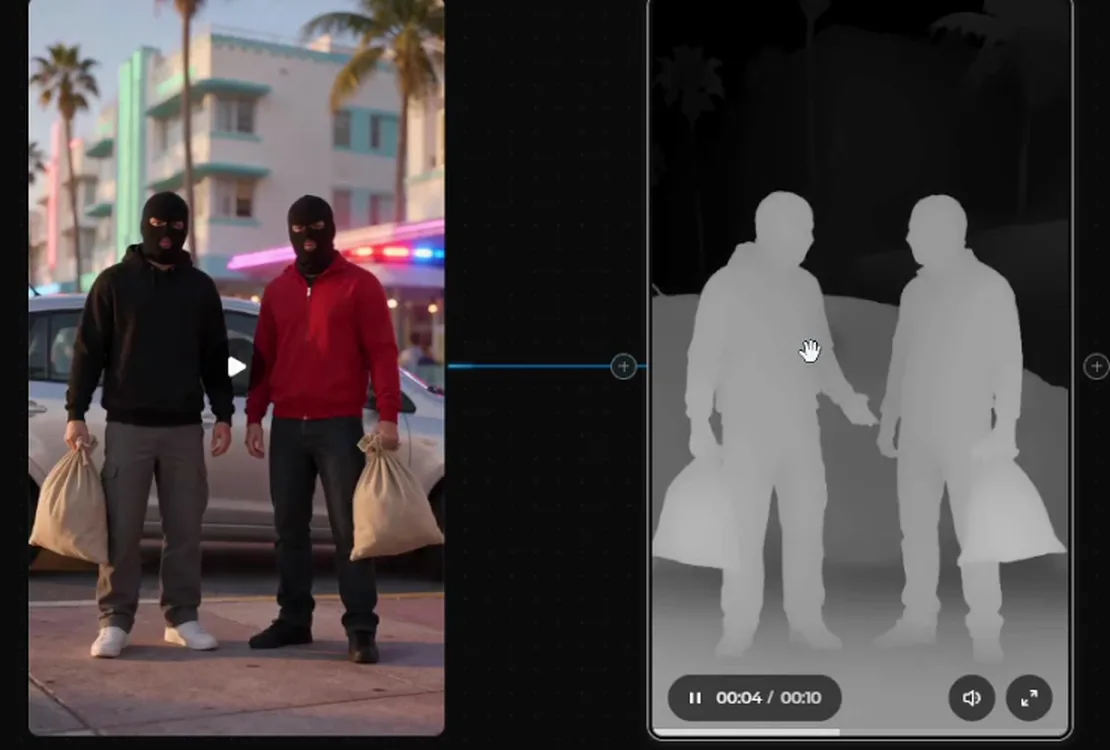
After about 35 seconds a new node shows the grey silhouette. That is only the motion: the movement and timing, with no background and no faces. It is linked to your original video.
Add your character sheets
Drop one sheet per animal onto the Canvas. Here: the golden retriever and the orange cat, next to the video and its silhouette.
Swap the first frame (GPT Image 2.5)
Take the first frame of the video and swap the people for your pets, using the sheets as references. Keeping the same street, car and light is the whole point.
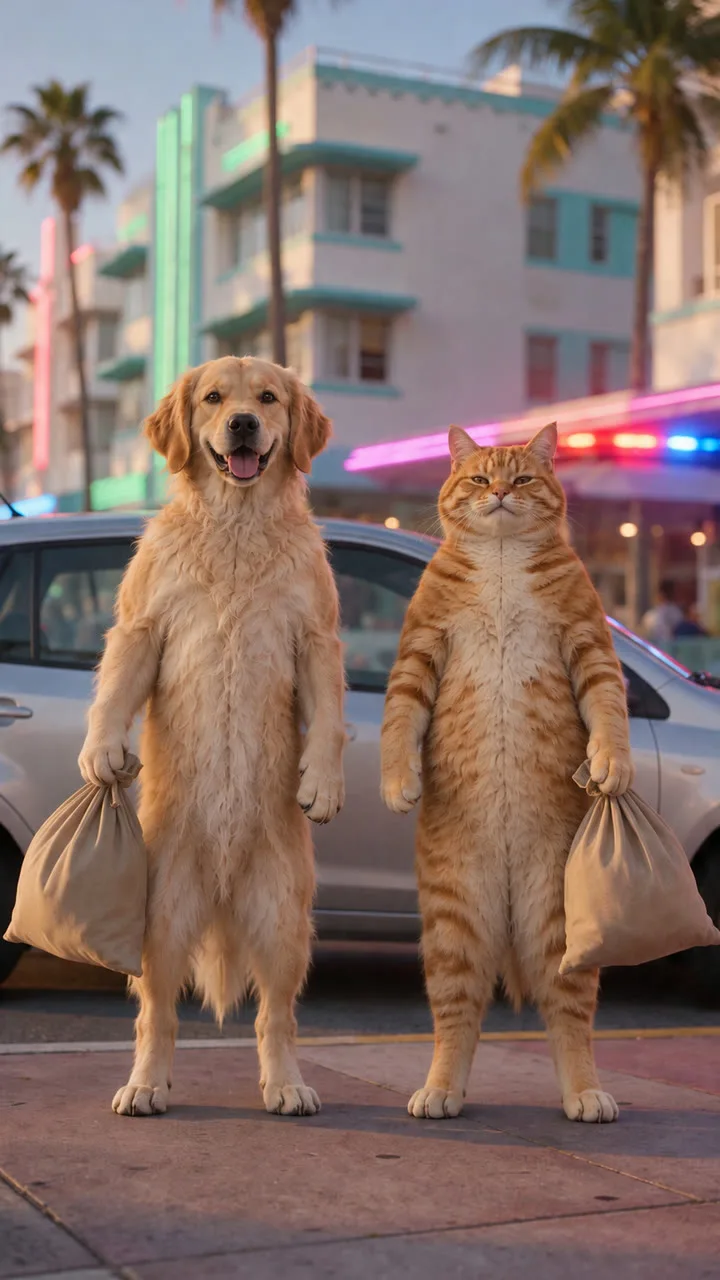
Edit [frame0]. Keep the same photo exactly: same street, same buildings, same palm trees, same silver car, same lighting, same camera angle and framing. Change only the two figures. The figure on screen left becomes the golden retriever from [sheet-dog] and the figure on screen right becomes the orange tabby cat from [sheet-cat], each exactly as in their sheet, natural fur only, nothing added. Same poses as the original figures: standing upright on two legs, arms down, each with one beige sack hanging from one hand at their side, same position and size in the frame. Photoreal.
Generate with Seedance 2.5
Create a video node and attach the swapped first frame plus the Motion capture node as references. The silhouette drives the movement, the first frame decides how everything looks.
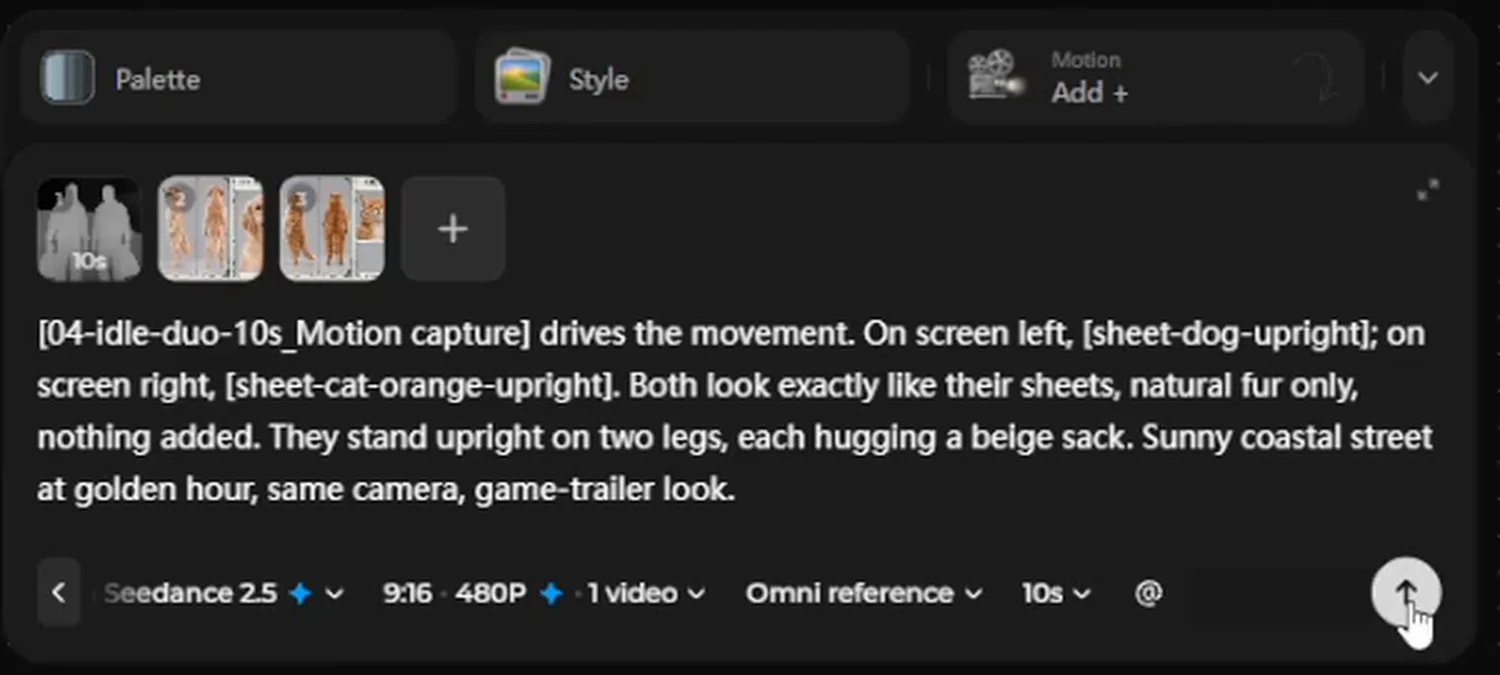
The video starts exactly on [frame0 dog+cat] as the first frame. [Motion capture] drives the movement and timing. Keep the background, street, buildings, silver car, lighting and camera exactly as in [frame0 dog+cat], locked camera. The two characters stay exactly as they look in [frame0 dog+cat], natural fur only, standing upright on two legs, each sack hanging from one hand at their side. No text, no logos.
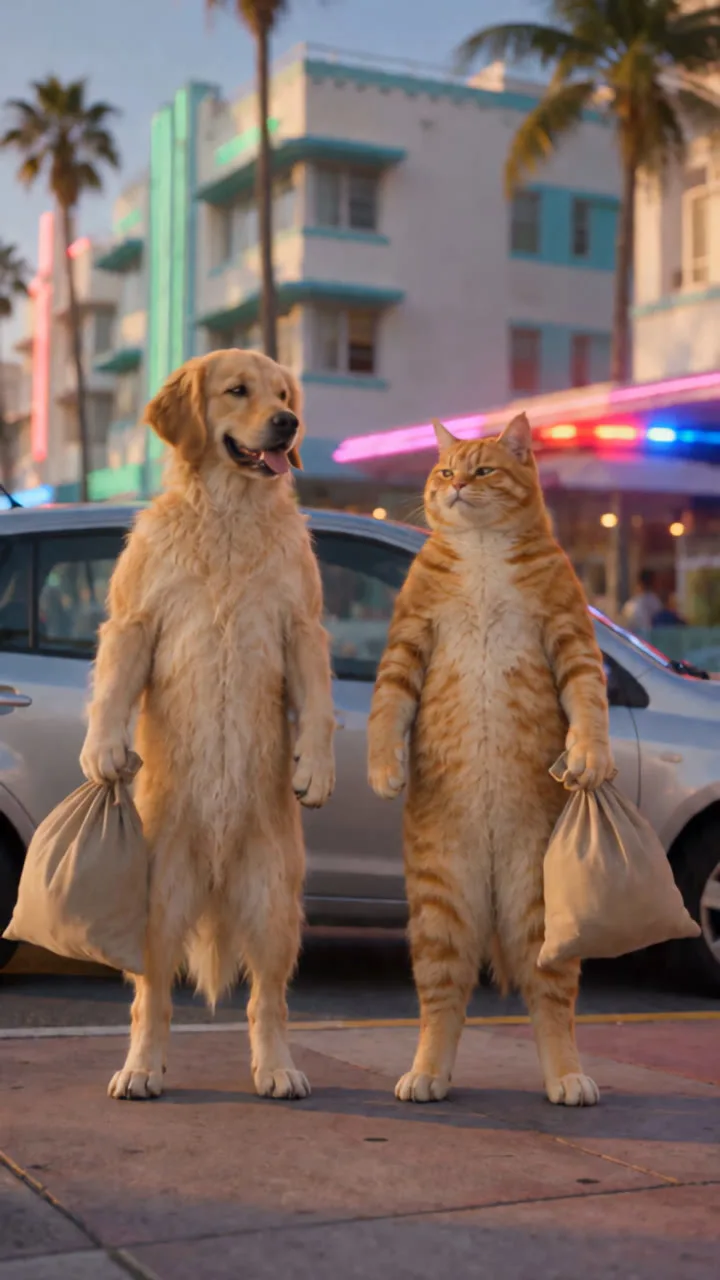
The result
Same street, same car, same moves: only the cast changed. Reuse the exact same recipe for any pair of animals, just swap the character sheets.
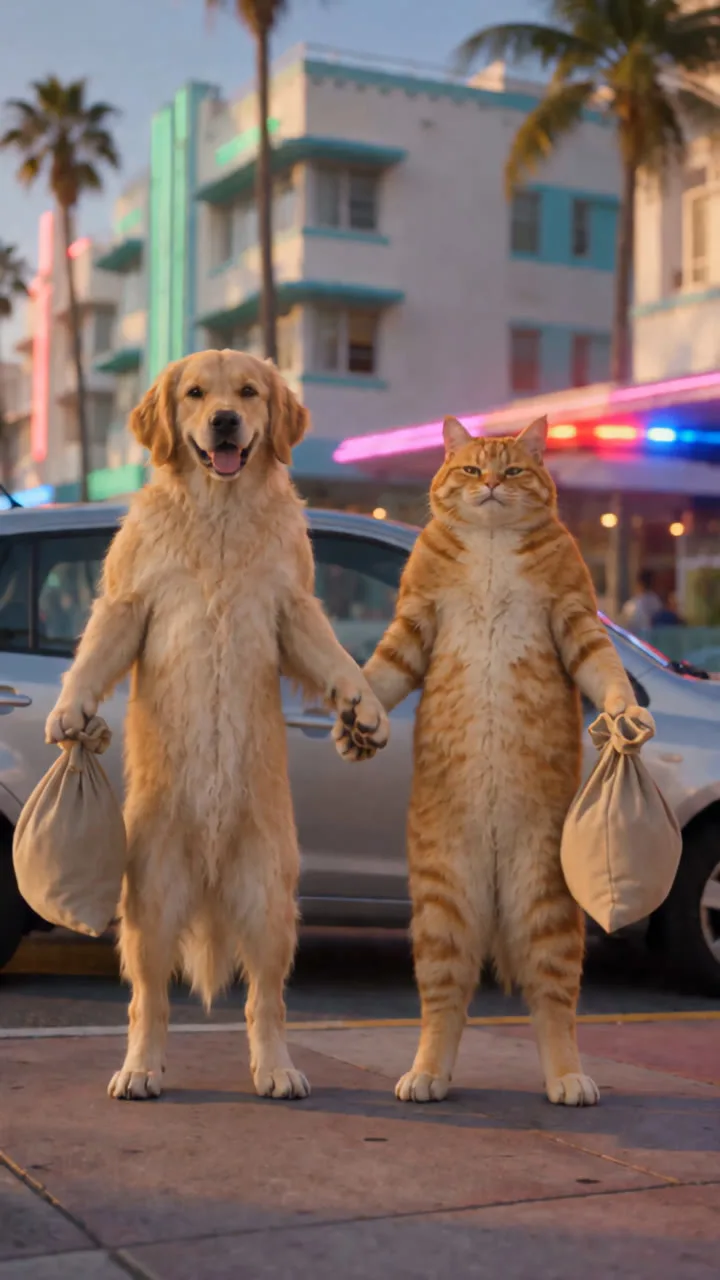
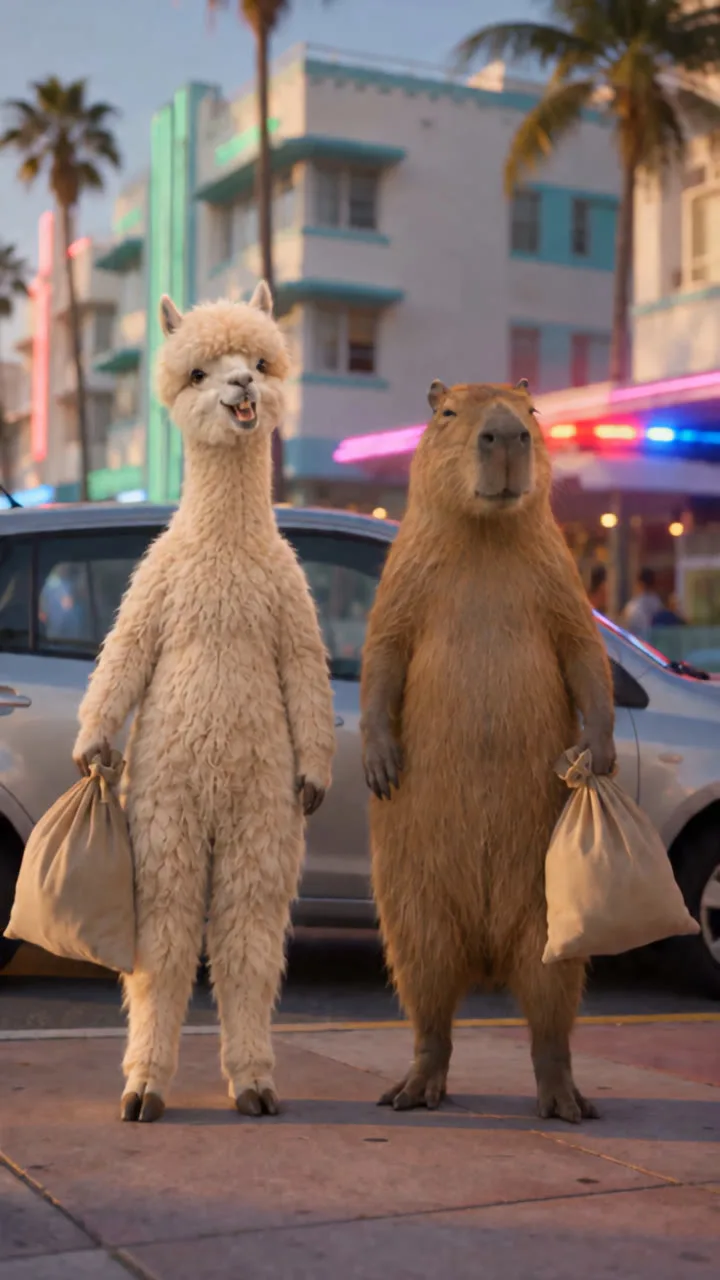
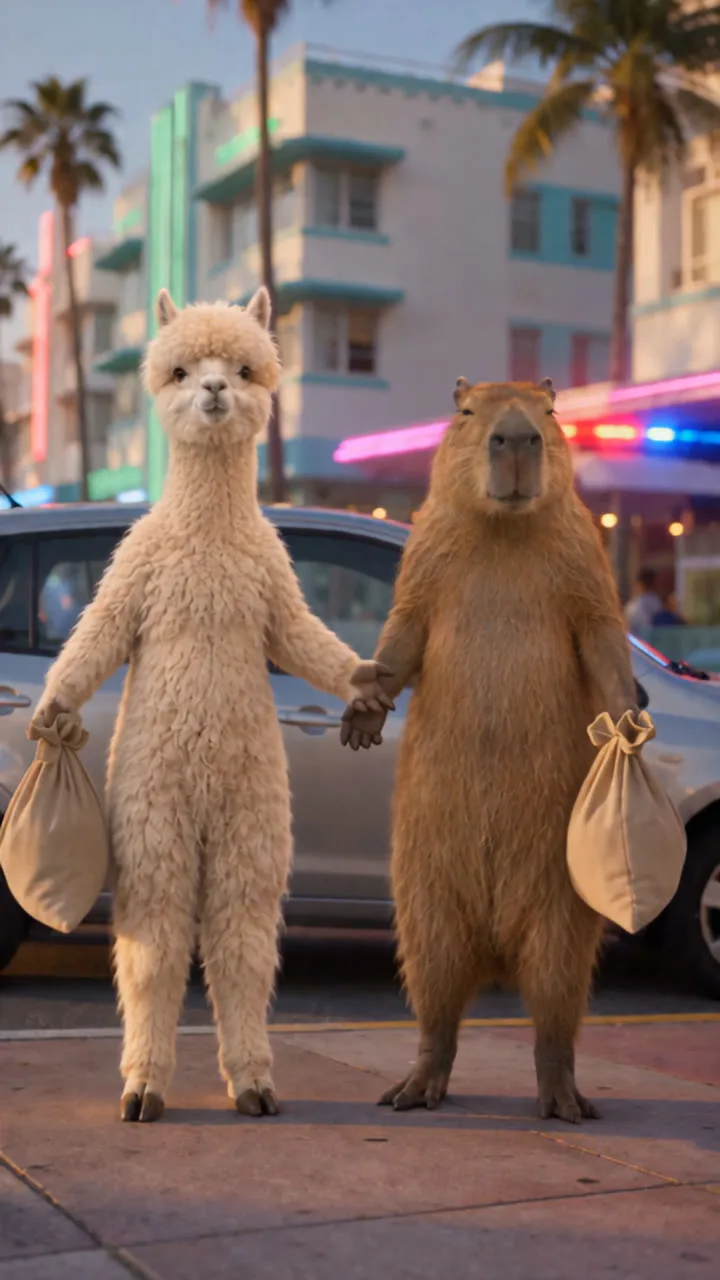
The whole recipe in 5 lines
- Upload the source video to Canvas.
- Click the node, Motion capture, Generate: you get the grey silhouette.
- Add one character sheet per animal.
- Swap the first frame with GPT Image 2.5 (sheets as references).
- Seedance 2.5: first frame + Motion capture node + prompt.
Go further: multi-shot and getaway cars
Multi-shot: run, get in the car, hood cam
Swap the first frame of each shot (three images), then one Seedance 2.5 video with all three images plus the Motion capture node.
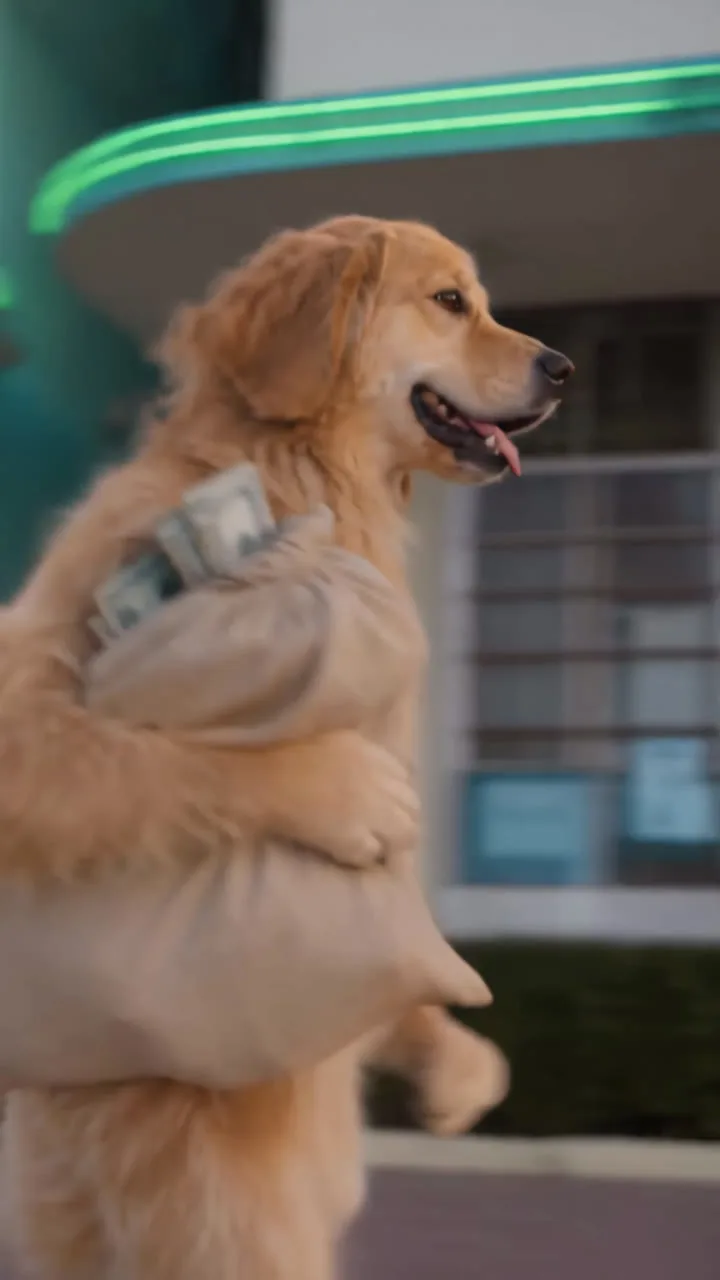
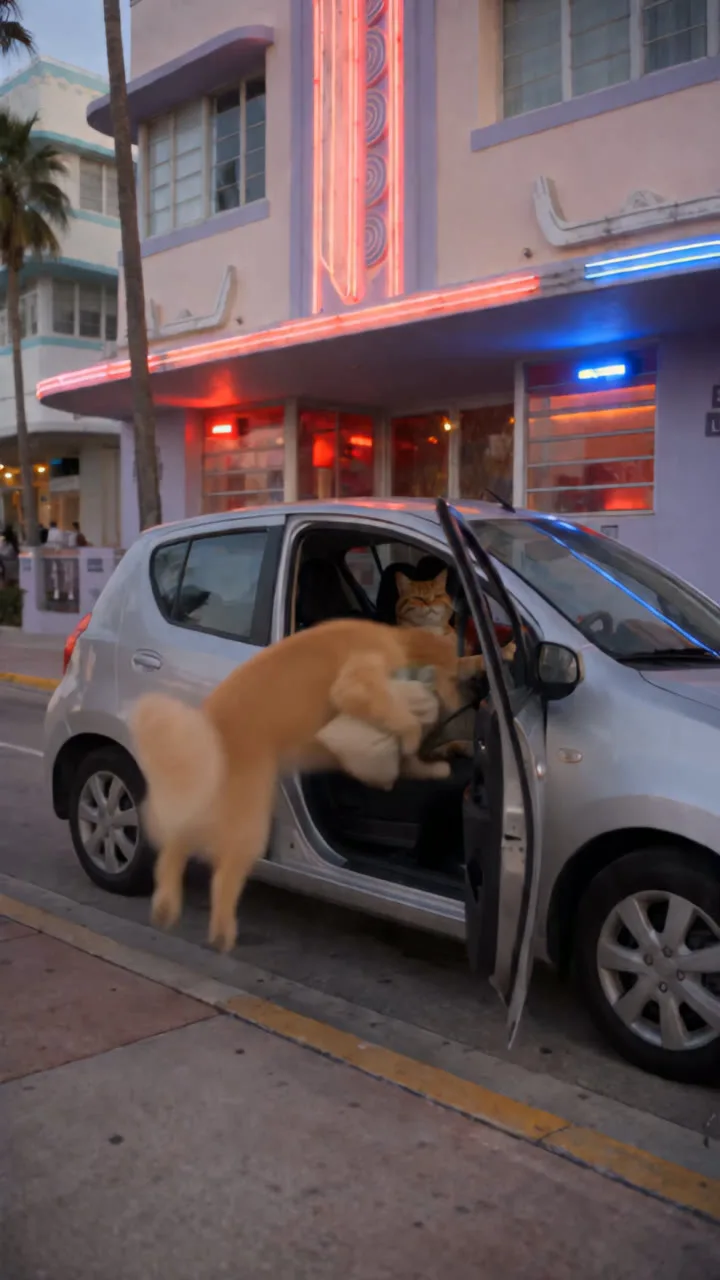
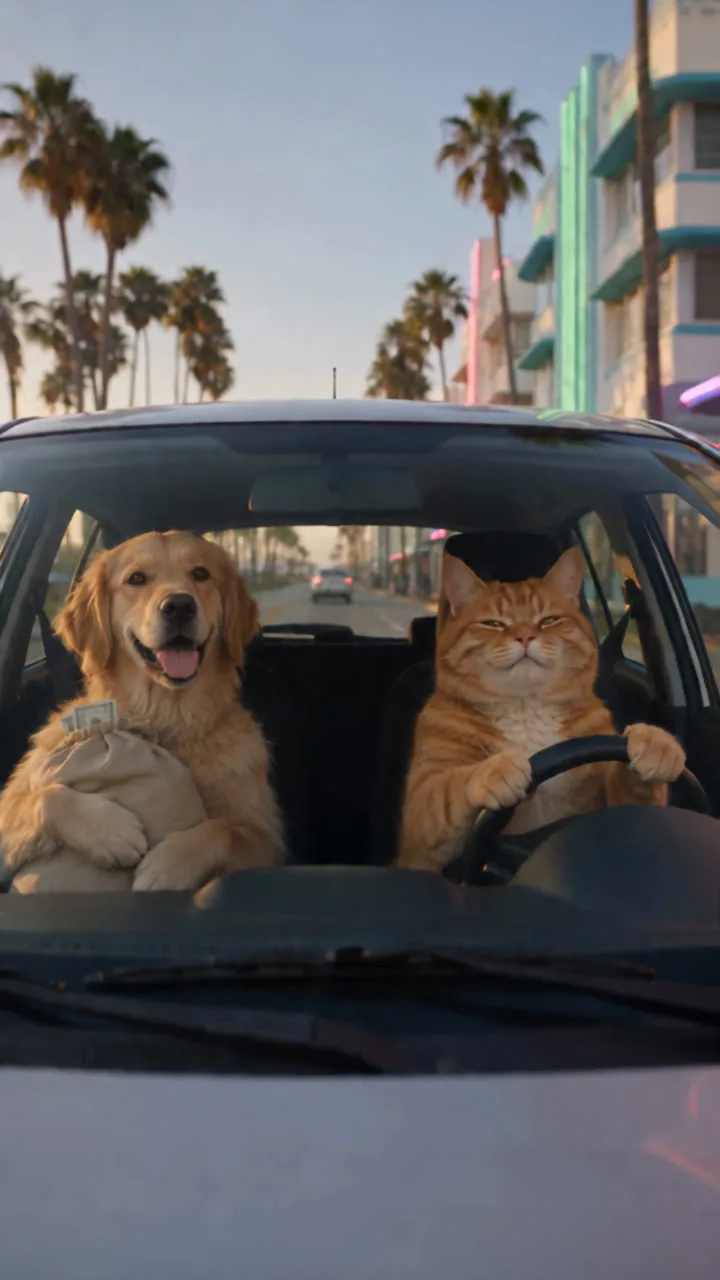
[Motion capture] drives all movement, shots, cuts and timing, locked to it exactly. Three shots. 0 to 1.5s: starts exactly on [frame0 run], the golden retriever runs upright on two legs hugging the beige sack, same camera and background. 1.5 to 3.6s: starts exactly on [frame0 entry], the same golden retriever runs to the silver car and gets into the open passenger door while the orange tabby cat waits in the driver seat. 3.6 to 9s: starts exactly on [frame0 hood cam], hood camera view, the golden retriever sits on screen left hugging the sack, the orange tabby cat drives on screen right with both paws on the steering wheel. Both characters stay exactly as in the images, natural fur only, nothing added. Same neon street, same car, same lighting in every shot. No text, no logos.
Getaway vehicles: rubber duck, watermelon, flamingo
Swap the car in the chase's first frame for each vehicle (three GPT Image 2.5 images), then one 8 s Seedance 2.5 video with the three images plus the chase clip played 3 times back to back, hard cuts at 2.7 s and 5.4 s.
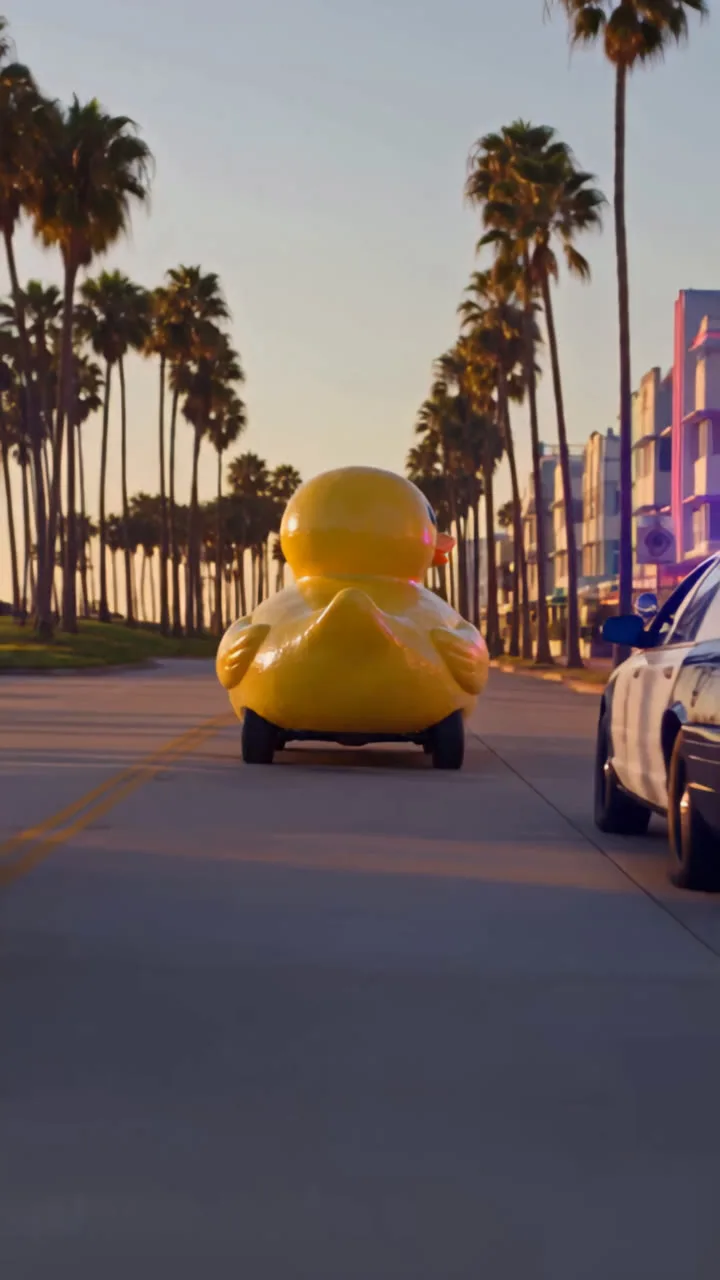
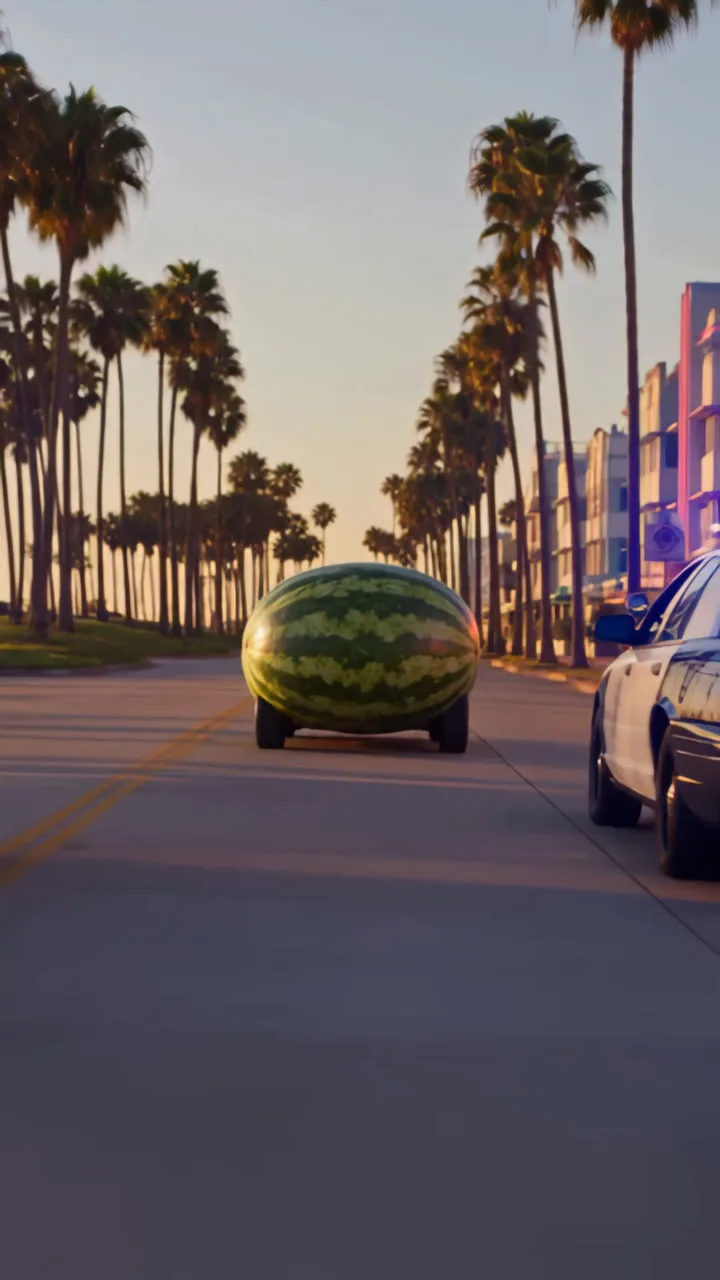
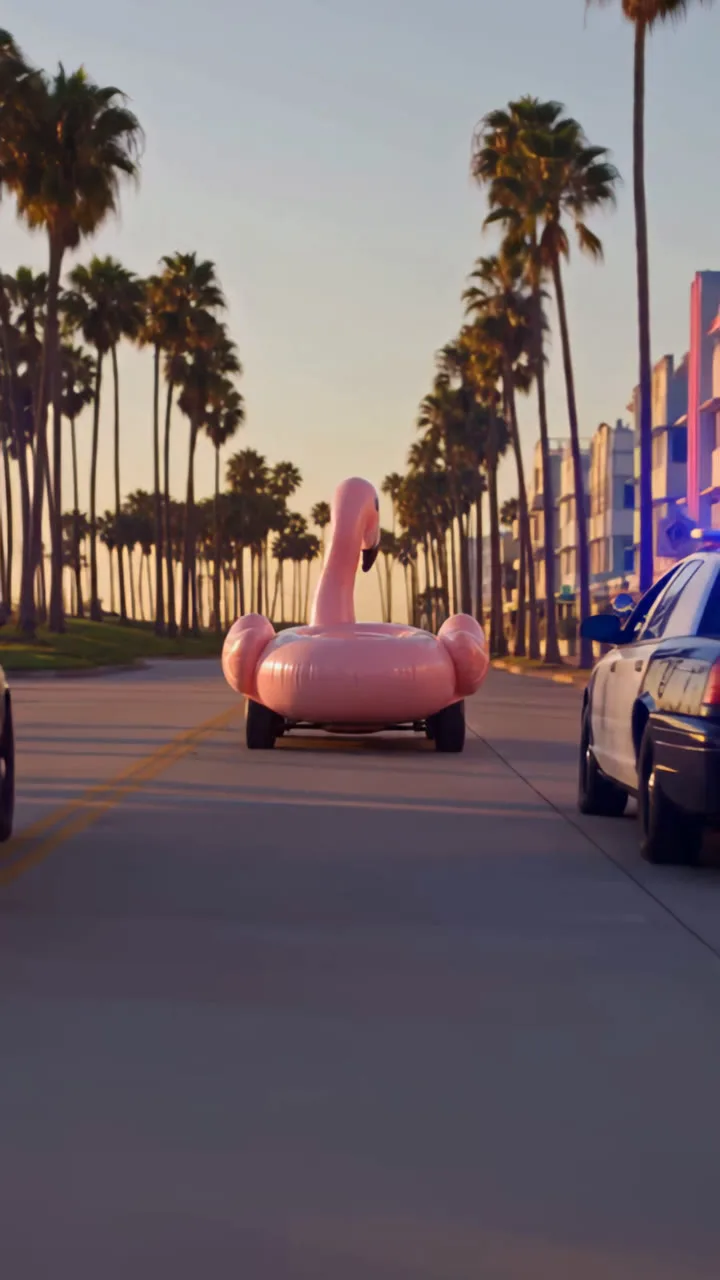
Follow [chase clip] exactly: same camera motion, same road, same police car chase, same timing, with hard cuts at 2.7s and 5.4s exactly like the reference. 0 to 2.7s: starts exactly on [duck car], the rubber duck car speeds away down the road with the police car chasing. Hard cut at 2.7s. 2.7 to 5.4s: starts exactly on [watermelon car], the watermelon car speeds away with the police car chasing. Hard cut at 5.4s. 5.4 to 8s: starts exactly on [flamingo car], the flamingo car speeds away with the police car chasing. Each vehicle rolls on its four wheels like a real car. Same street, palm trees and golden hour light in every shot. No text, no logos.
BLACK
FRIDAY
on the newly redesigned Dreamina
Black Friday on the newly redesigned Dreamina: Standard quarterly members get unlimited Seedance 2.5 and Seedance 2.0 for 30 days, plus unlimited GPT Image 2.5 for 60 days.
Comment 'Dreamina' on the Reel
or use the link in bio
Ready to make your own pet heist?Everything in this tutorial runs on the newly redesigned Dreamina Canvas. The sheets, first frames, prompts and PDF are in the free file pack.
Want a launch like this for your product?
I'm keitaro3660, an AI video creator. For Dreamina I made the Reel, the tutorial, this landing page and the full asset package. I can build the same set around your tool or product.